LinguaPop
A Japanese reading app that turns real novels and real newspapers into graded study material: tokenized, colour-coded, dictionary-backed and fully offline.
- Role
- Everything: product, Flutter app, NLP pipeline
- Stack
- Flutter · Dart · Riverpod · MeCab over FFI · Hive
- Ships as
- F-Droid and GitHub releases — Android, web and Linux desktop from one codebase
- Data
- On-device tokenizer + JMdict dictionary, no server
- Licence
- GPL-3.0, with MeCab and IPADIC keeping their own
- Now at
- v7.4.1
- 01
The problem
Learners hit a wall between textbooks and real Japanese. Native material has no furigana, no glossary, and no sense of what's at your level. The readers I found either want you to paste text into a website, or stream everything through their server.
I wanted the opposite. Import anything, an EPUB novel or today's news, and read it like a proper learner's edition, entirely on your own device.
- 02
The build
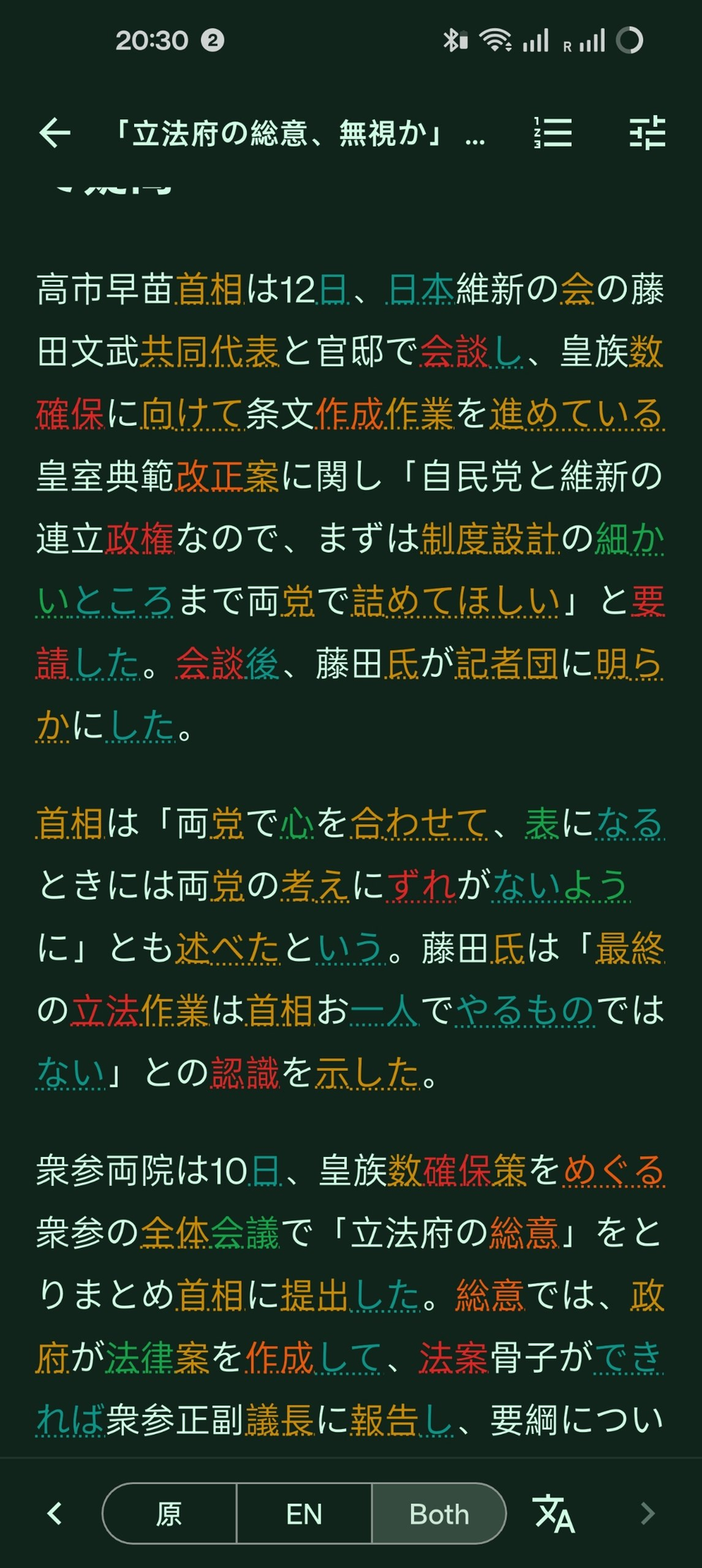
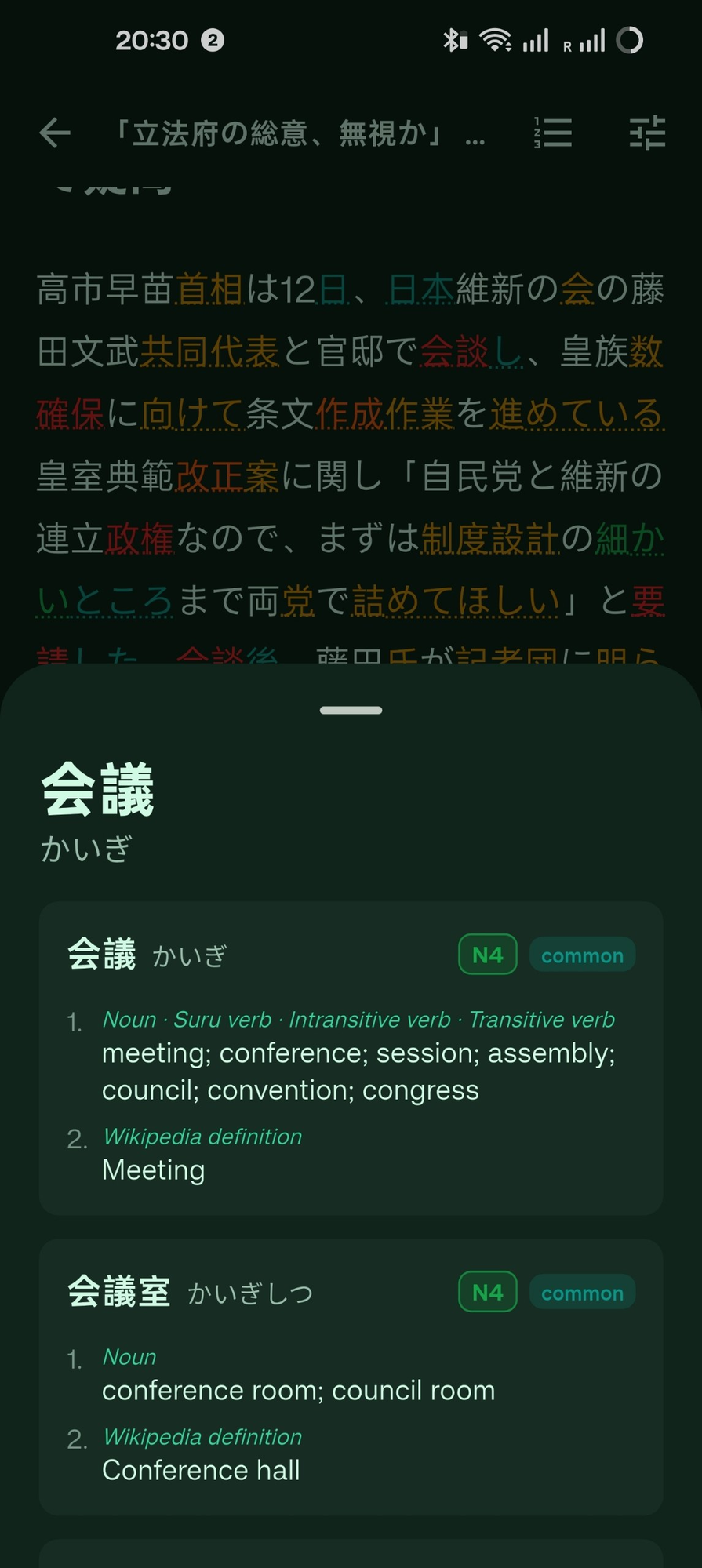
The core is an on-device NLP pipeline. MeCab tokenizes raw Japanese into words, each token gets JLPT-graded and underlined in its level colour, and tapping any word opens a JMdict entry with readings, senses and frequency tags. A paired-translation mode lines the original up against an English version paragraph by paragraph, and words you keep export to AnkiDroid rather than dying in the app.
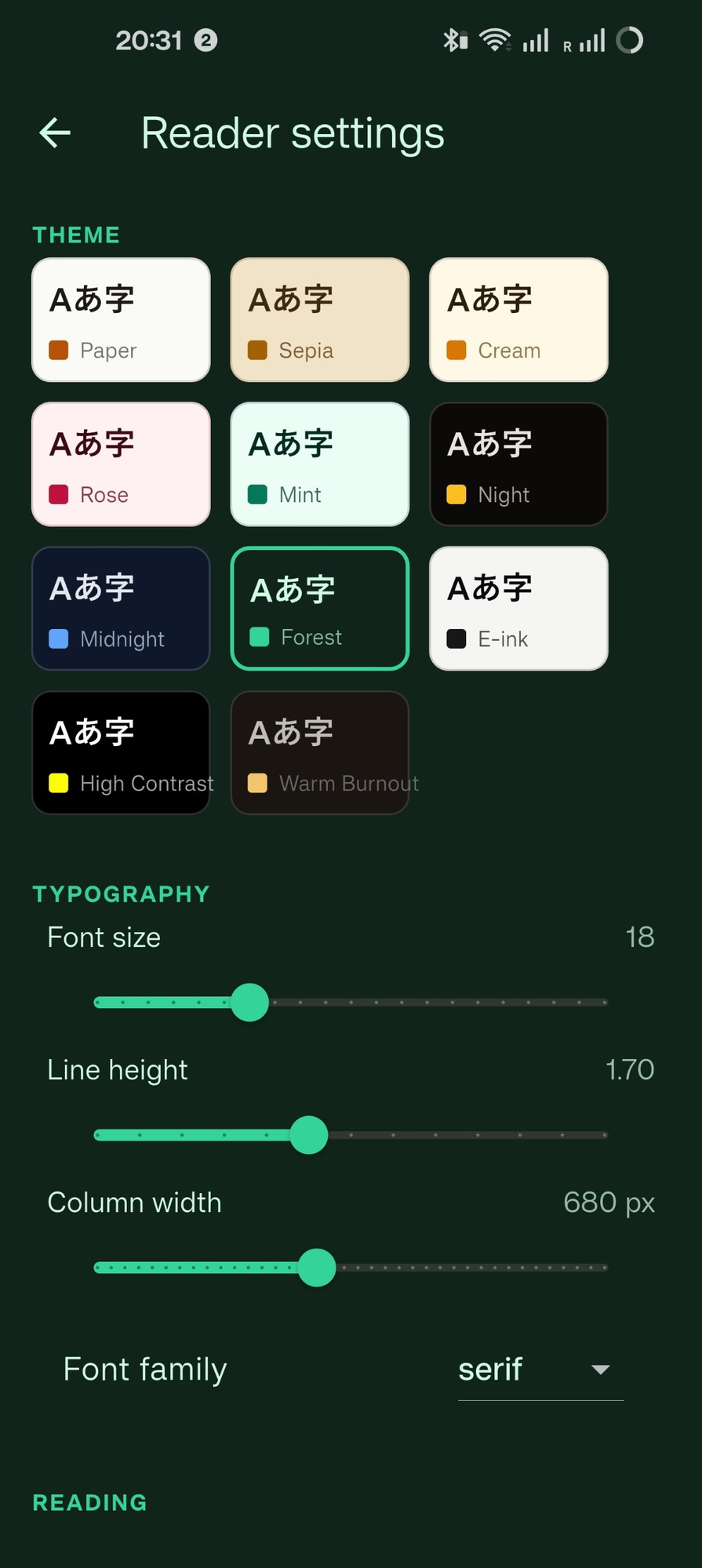
Around that sits a real reader: shelves with progress, sixteen typography-tuned themes, adjustable line height and column width, chapter navigation and text-to-speech. Everything persists locally. The app never phones home.
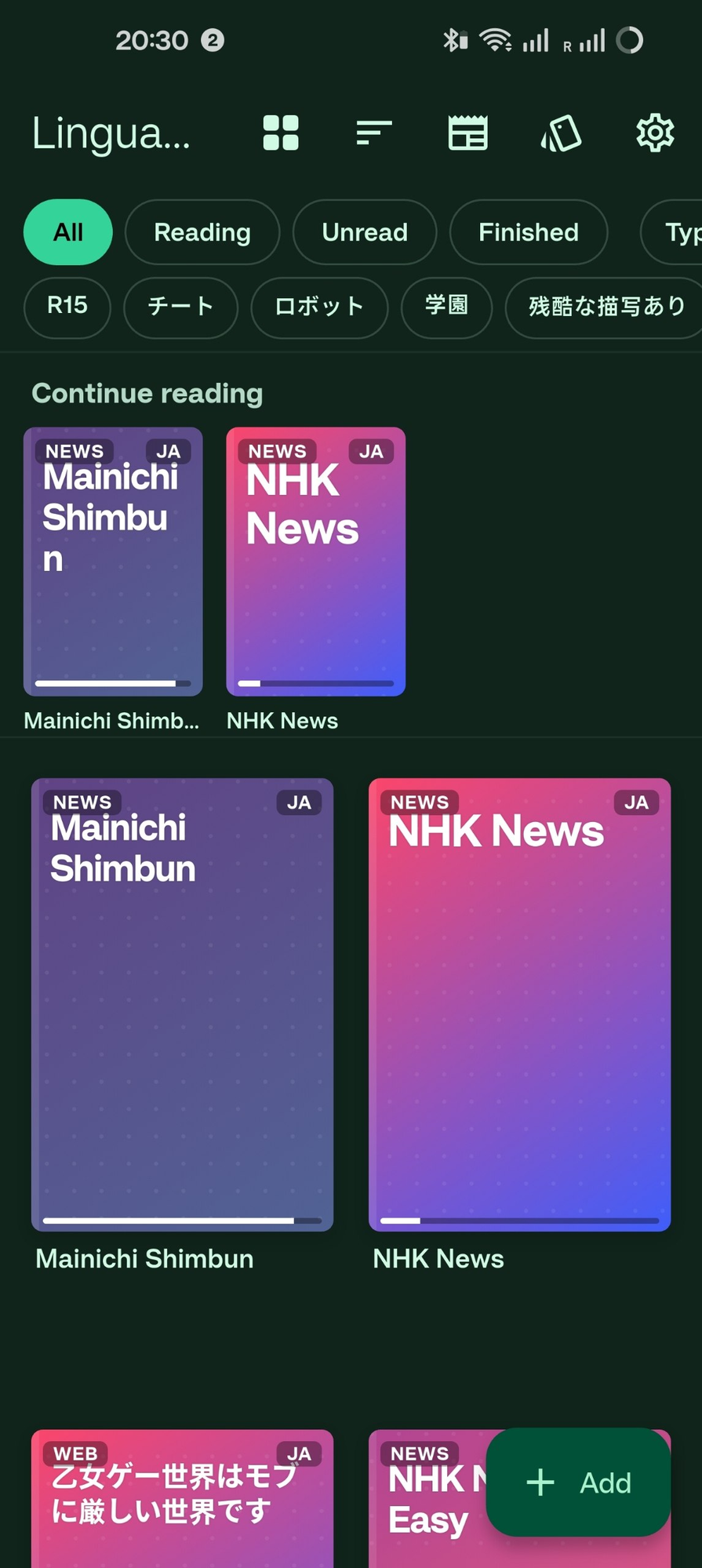
The library became furniture rather than a grid. Covers stand on drawn shelf boards, leaning back a few degrees about their bottom edge with a contact shadow underneath, so a shelf reads as a shelf. Part-full shelves keep their empty slots, because covers jumping to a new grid every time you import something is worse than a gap.
- 03
The front page: a newspaper, not a feed
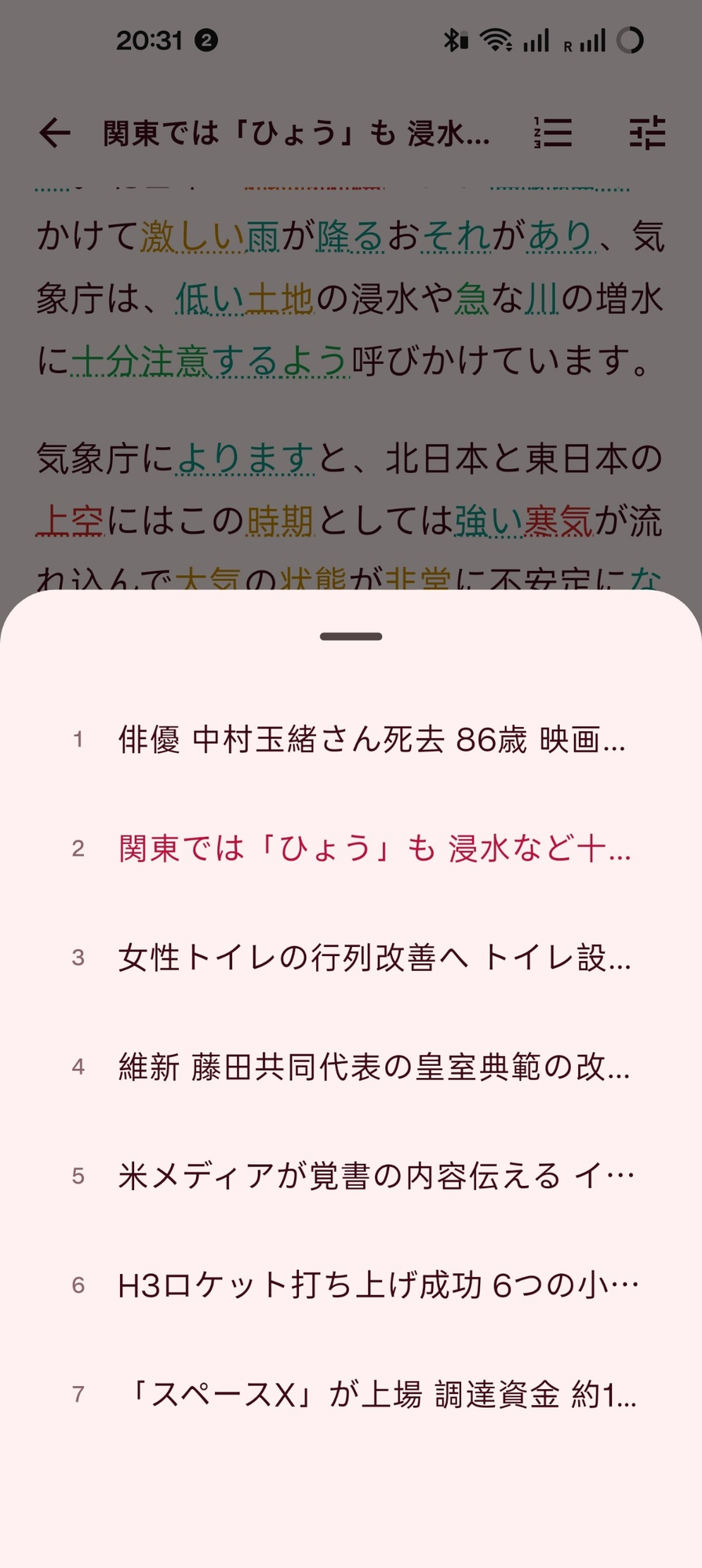
The biggest change since the last time I wrote about this app is that the news stopped being a list. Imported articles are now set as a Japanese daily: a masthead with the outlet's name in heavy kanji, an edition seal, a Japanese dateline with the day's story count, and stories dealt into a two-column masonry front page under column rules. Days are foldable sections you can shut. You swipe left and right to change paper, and a newsstand screen decides which outlets you carry at all.
This is not decoration. A feed of Japanese headlines is a wall you bounce off; a front page has a shape, so your eye picks a story instead of scrolling past all of them. Every headline is rendered through the same colour-coded tokenizer as the body, because on a news story the headline is where the hardest vocabulary lives.
Reading mode, which is on by default, then takes the whole app back to the three things it actually does: shelves, the front page, the reader. No filter bar, no sort control, no view-mode switch. Everything else is still there for whoever goes looking, but the default is a thing you read rather than a thing you configure.
- 04
What was hard
Running MeCab, a native C++ tokenizer, inside a Flutter app across Android and desktop meant wrangling FFI, dictionary packaging and platform-specific builds. Token-level colour coding also had to survive text selection, font scaling and line spacing without wrecking the reading flow; the underline treatment came after several failed attempts at background highlighting.
The front page's hard problem turned out to be scroll stability, not layout. Each story shows a difficulty badge, and deriving one meant tokenizing the article as it came into view — so the estimate is now computed once at import and handed to the badge, which does no work at all. Worse was the image: a tile decided whether it had a usable lead image after it had already laid out, so every pass built tall, discovered the broken image a frame later and collapsed, shifting everything below it and dragging the scroll position down the page. Tiles are destroyed and rebuilt as bands scroll in and out, so it happened over and over. The fix was to decide a story's shape synchronously, from a process-wide set of URLs already known to be broken, and to pin the meta row to a fixed height so a late estimate can't reflow it either. A test now asserts that a known-broken image lays out no box at all on the first frame.
Shipping it was the third thing. F-Droid rebuilds your tagged commit on their own machines and compares the result against the binary you published, so the release has to be reproducible: built on Linux x86_64, from the absolute path their builder uses, signed in a way that adds a signature block and touches nothing else. They pin the signing certificate too, which means losing that key means never shipping an update any existing install will accept. A test fails if the build recipe drifts from the app's Flutter or NDK version, and a script compares two APKs the way their verification does and names the entries that diverge.
What this means for your project
End-to-end product work in a hard domain: native NLP integration over FFI, offline-first architecture, a reading surface designed as print rather than as a feed, and the performance work that only shows up once real content is scrolling through it. Plus a distribution pipeline strict enough that a third party rebuilds the binary and checks it byte for byte.